
Assigned work on iPads for IB PYP: Sign-in cards, then work that reaches every child.
Assigned work on iPads is how PYP teachers send work to shared class iPads when young children have no email or passwords. Print one sign-in card per child, assign maths lessons, card stacks, videos and deck Wrap ups for a given day, and close or reopen each piece as the class moves on.
Children sign in on the class iPads with a card, and the work you assign is waiting for them. You see who has started and finished, with no marks anywhere.
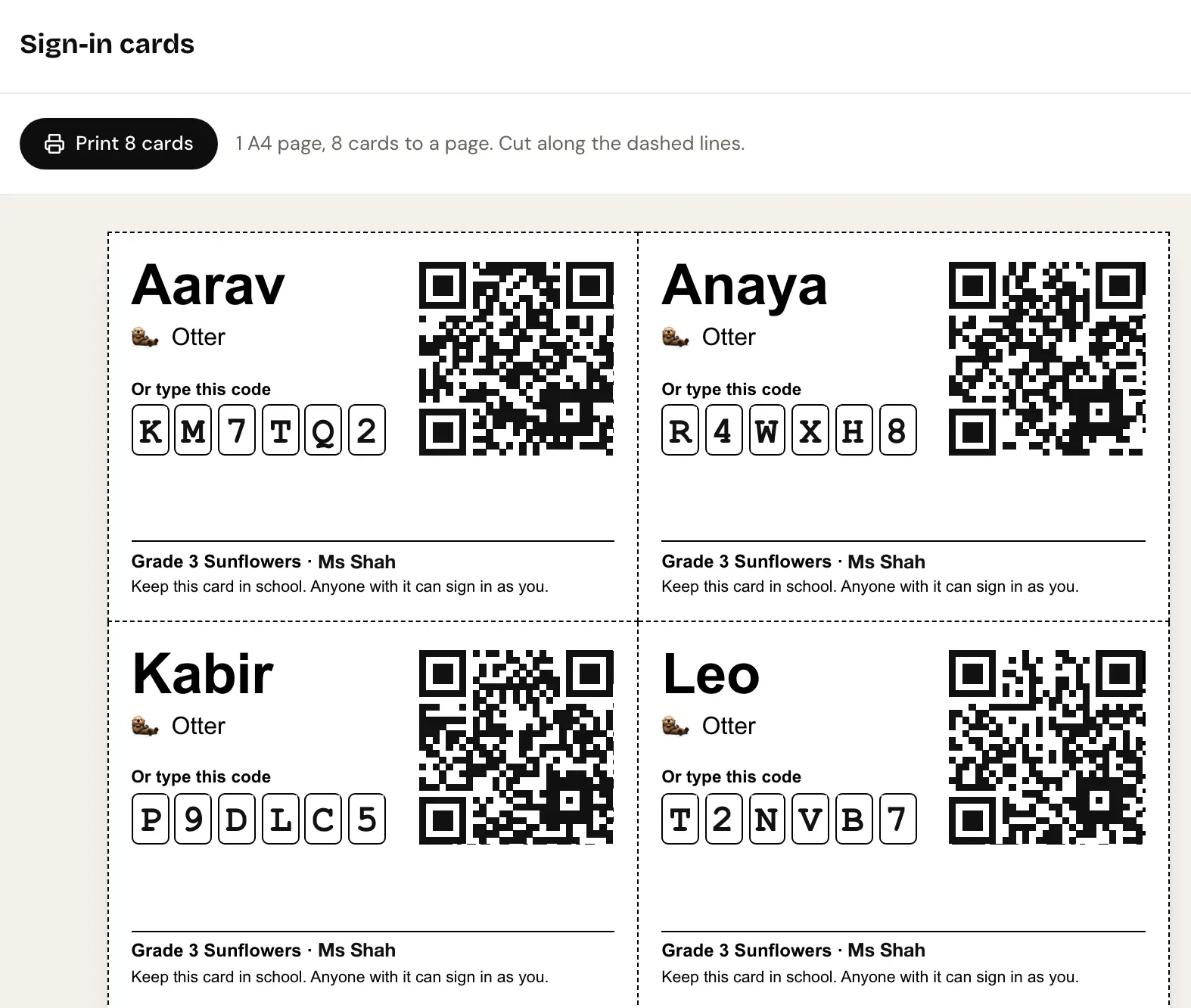
Assigned work on iPads, in practice.
Sign-in cards, not passwords.
Print one card per child with a QR code and a short code. Children scan it or type it on the iPad, with no email and no password.
Eight cards to an A4 · QR or short codeAssign what they can play.
Send maths lessons, card stacks, videos and deck Wrap ups to the class, with the day they are for.
Lessons, card stacks, videos · Due day shownNot started, Started, Done.
See where each child is with each piece of work, then close it or reopen it when the class moves on.
Per-child progress · Close or reopenA daily digest, if you want one.
Turn on one message at 3 pm with how many children finished the day's work. It stays off unless you switch it on.
Opt-in · N of M finishedThe details, before you ask.
Do children need email accounts?
Are children marked?
What if a card is lost?
Works alongside
- PYPMYPDP
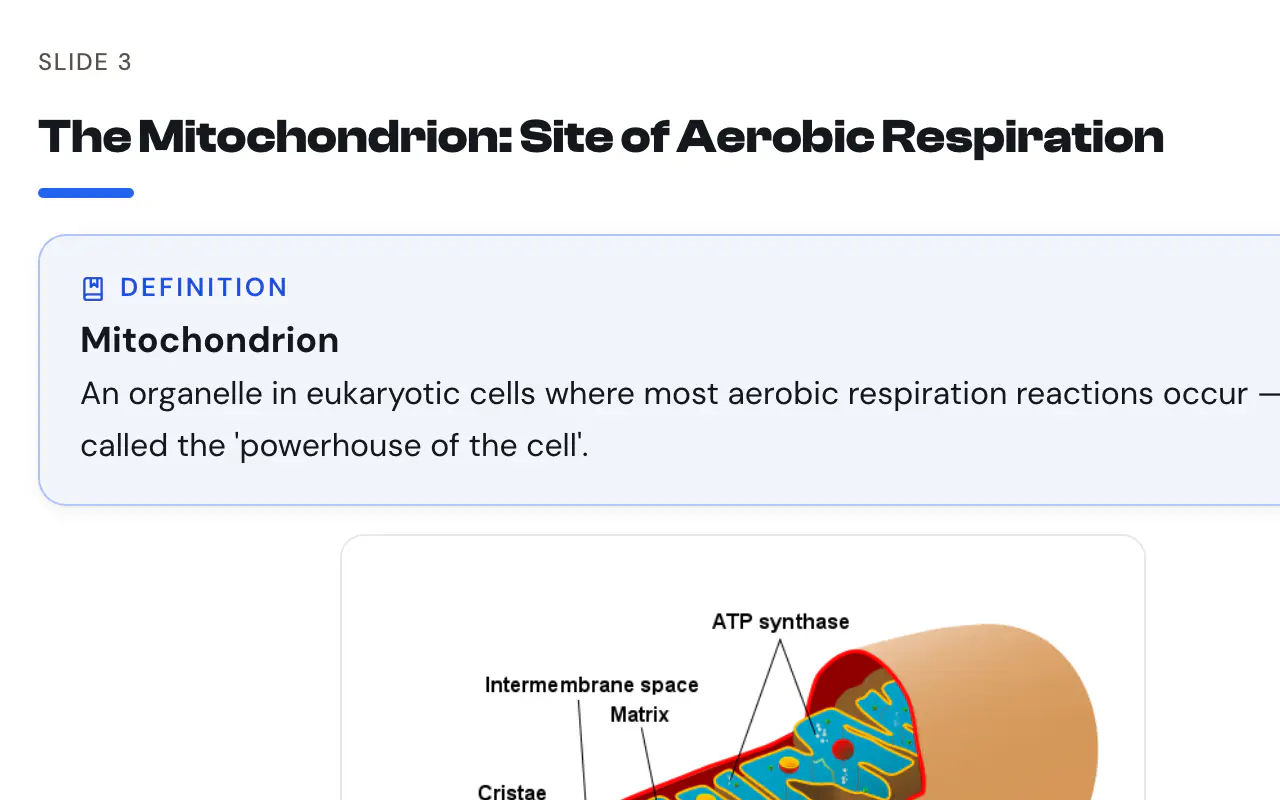
Slide Decks
Decks built from the content, not from a template.See how it works - PYPMYPDP
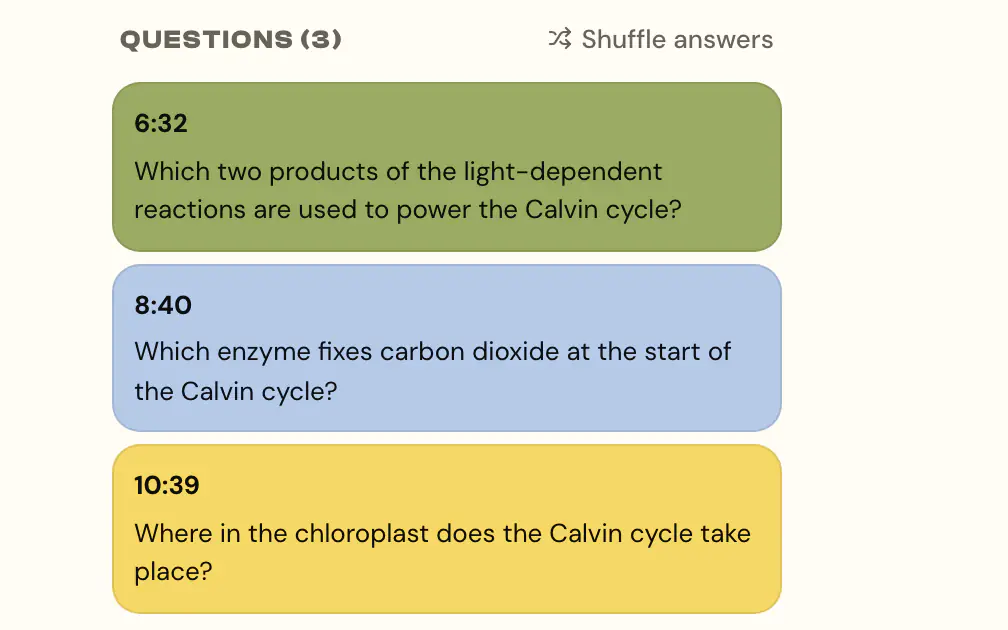
Video Lessons
Video that checks they actually watched.See how it works - PYPMYPDP
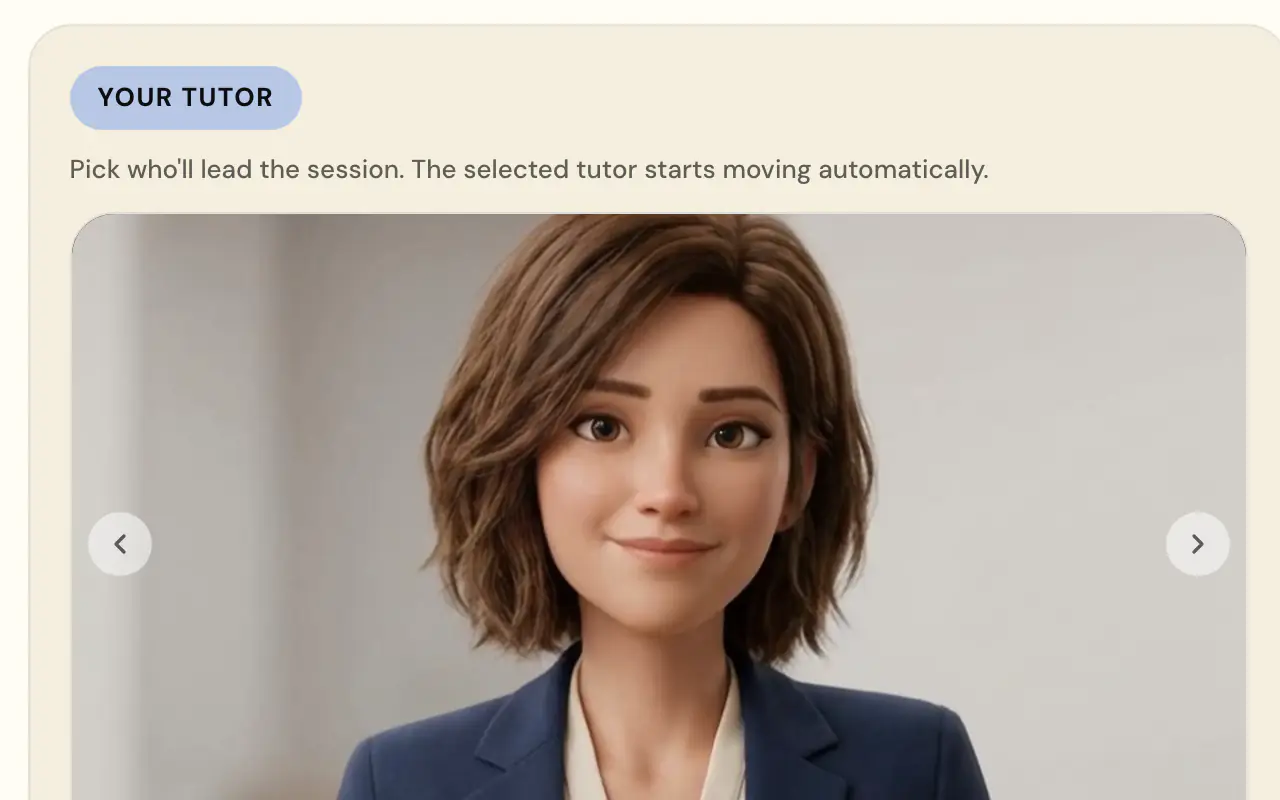
Class Tutor
A tutor that talks it through, live.See how it works - PYP
Create Notes
Your material, as inquiry-cycle cards.See how it works
Try Assigned work on iPads.
Free for individual IB teachers. School plans available.