
Slide Decks for IB PYP, MYP and DP: Decks built from the content, not from a template.
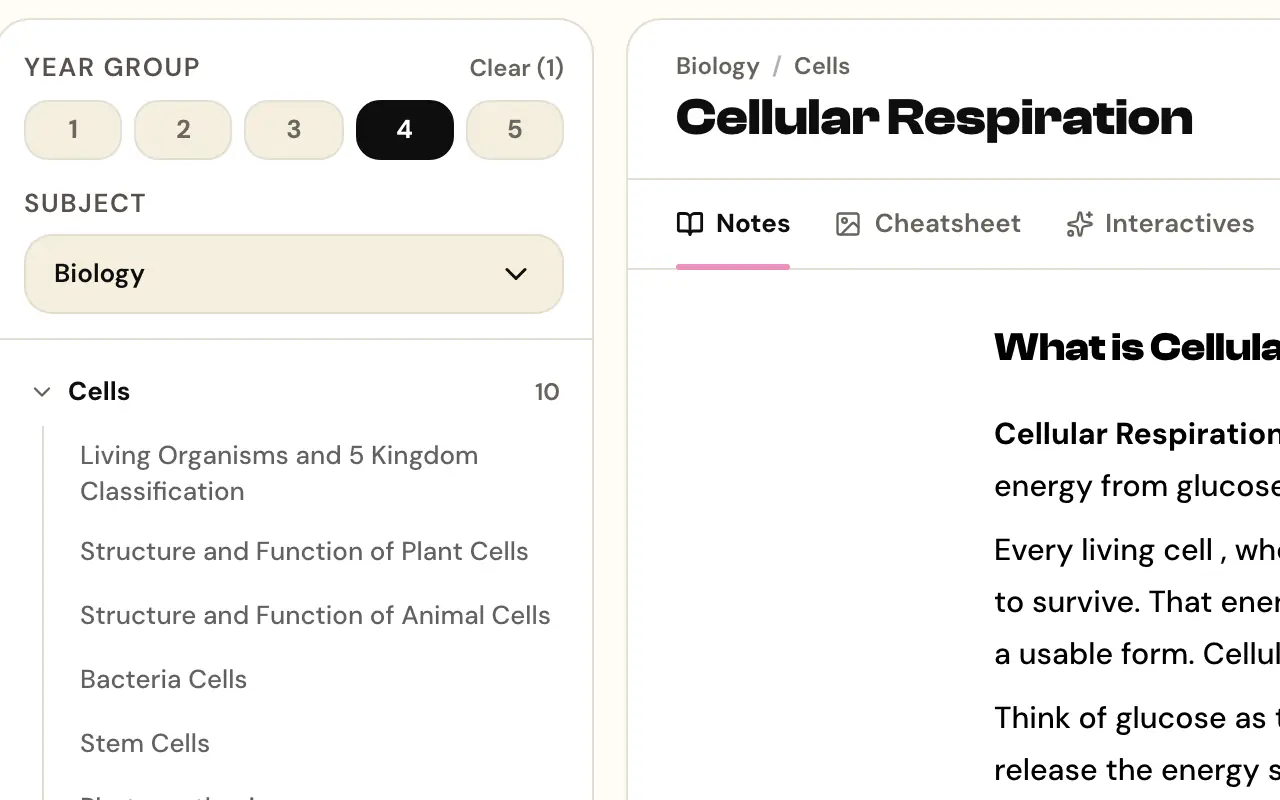
Slide Decks builds a classroom-ready IB deck from the content library or your own material, with interactive elements and embedded questions instead of slides to read aloud. Assign it to a class and see who worked through it; a PYP deck can end in a Wrap up sent to the class iPads.
Outline first, then a classroom-ready deck with interactive elements and questions inside it.
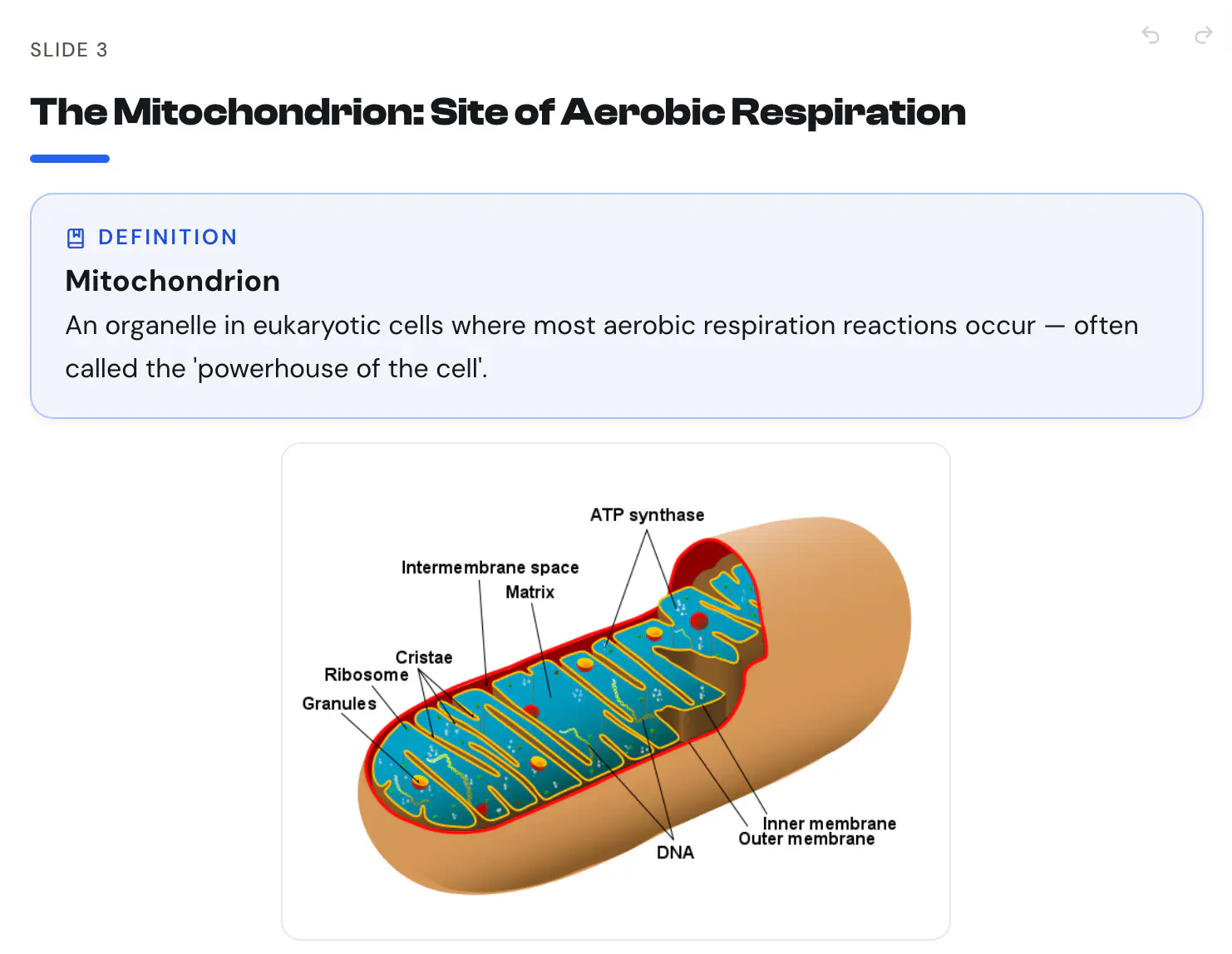
Slide Decks, in practice.
Outline before slides.
Approve the shape of the deck before anything renders, so regeneration happens at the cheap stage.
Outline approval first · Slides secondInteractive elements inside.
Decks carry interactive moments, not just bullet points to read aloud.
Interaction built in · Not a text wallQuestions in the deck.
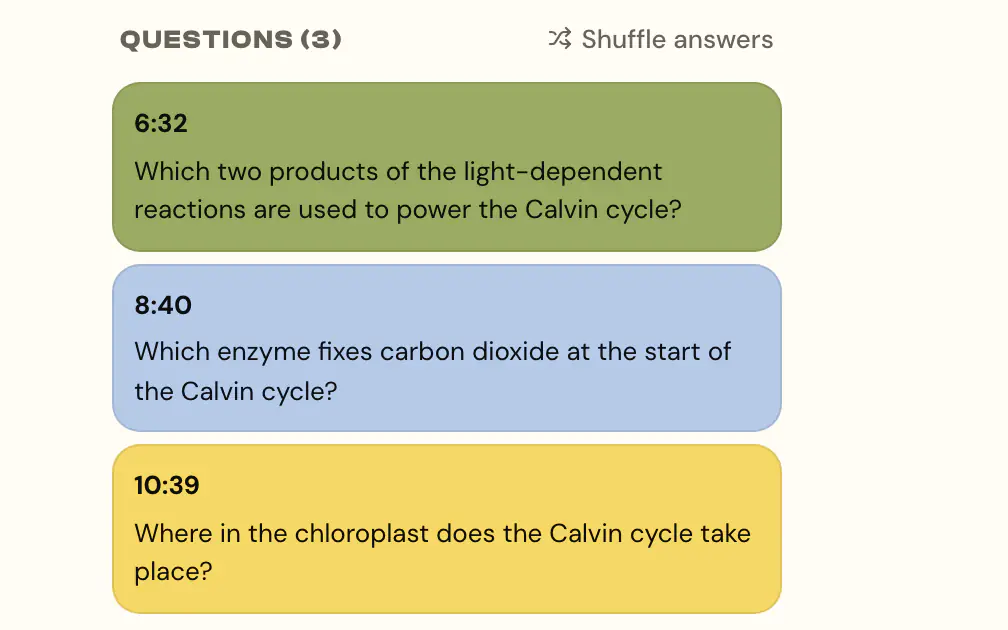
Embedded questions keep the class answering while you teach.
Embedded checks · Attention kept honestAssign and see who engaged.
Share a deck with a class and see who actually worked through it.
Assign to a class · Engagement visibleWrap up, on PYP decks.
End a PYP deck with two or three challenge tasks and an exit ticket with “How sure am I?” faces. Send it to the class iPads, then see who to check in with, add a child's ticket to their record, and start tomorrow with a warm-up from what the class missed.
PYP · Challenge tasks and exit ticket · Sent to iPadsThe details, before you ask.
Where does the content come from?
Can I edit a generated deck?
Which programmes?
Works alongside
Try Slide Decks.
Free for individual IB teachers. School plans available.